TigerTouch v1.2 Touchscreen Material Automation Solution
TigerTouch v1.2 Touchscreen Material Automation Solution
TigerStop offers an entirely updated version of its user-friendly, on-board, touchscreen material automation solution, TigerTouch. The new TigerTouch v1.2 is now capable of pack and panel processing and has greatly expanded printing capabilities, which include any printer with a Windows driver.
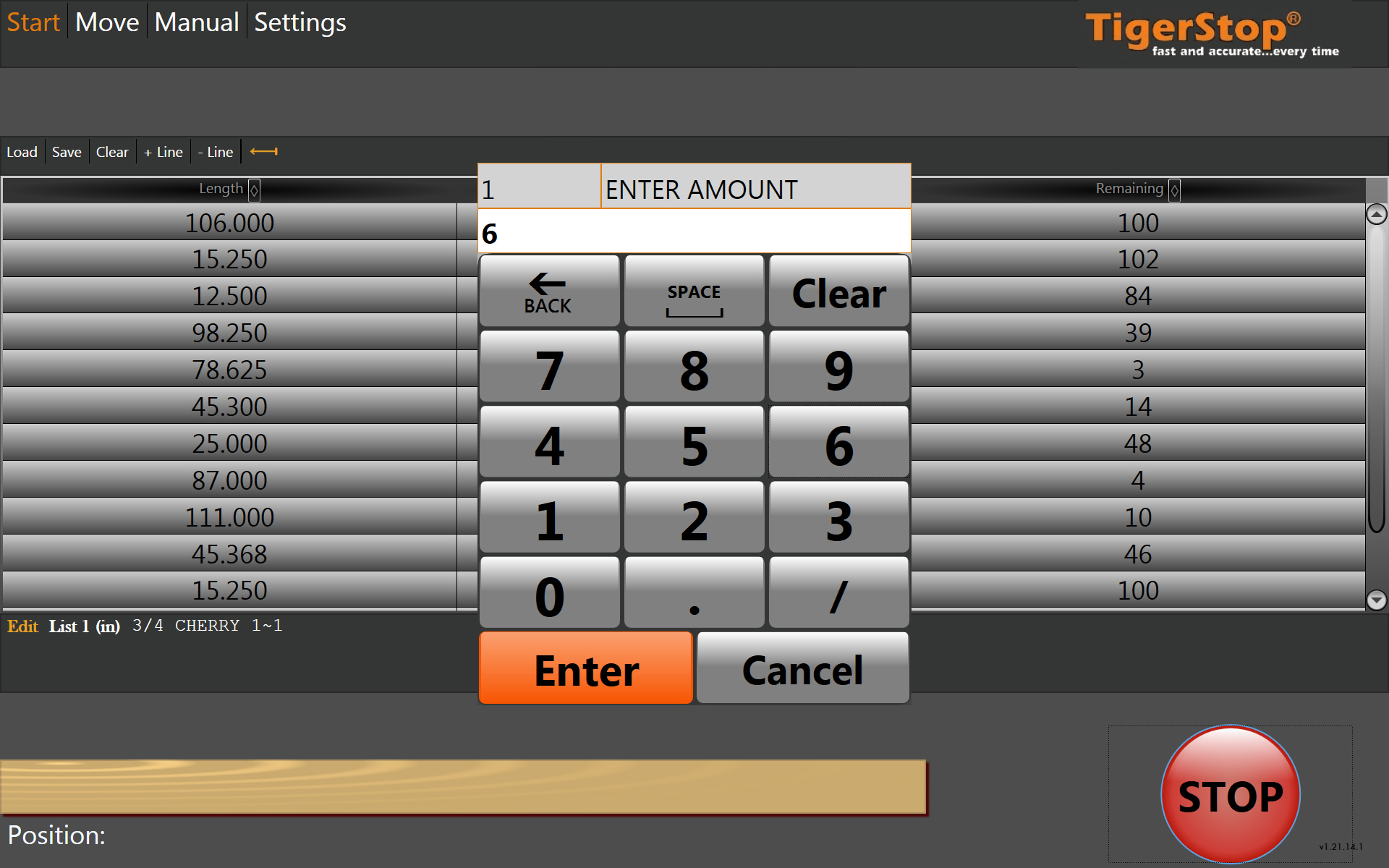
TigerStop offers an entirely updated version of its user-friendly, on-board, touchscreen material automation solution, TigerTouch. The new TigerTouch v1.2 is now capable of pack and panel processing and has greatly expanded printing capabilities, which include any printer with a Windows driver.
Machining equipment that performs cutoff, punching, boring or pack and panel processing, can be paired with a TigerStop positioning system and the TigerTouch v1.2, for enhanced material optimization. TigerTouch operates with an easy, user-friendly, touch-screen tablet interface, provides a real-time visual representation of the actual material process and greater control and customization on the manufacturing floor. TigerTouch v1.2 supports printing through Windows drivers, so processed parts labeling is possible for almost any manufacturer. Possible printer configurations now include laser engravers, pin marking machines and any label printer on the market.
"Our customers have a wide variety of processing needs. We updated TigerTouch to allow the user to have real time control and material optimization for everything from standard cut-off processes to pack and panel processing," says Spencer Dick, founder and CEO at TigerStop. "And, because our customers use a variety of printing methods and printer-types for parts-labeling, TigerTouch now works with any printer that uses a Windows driver."